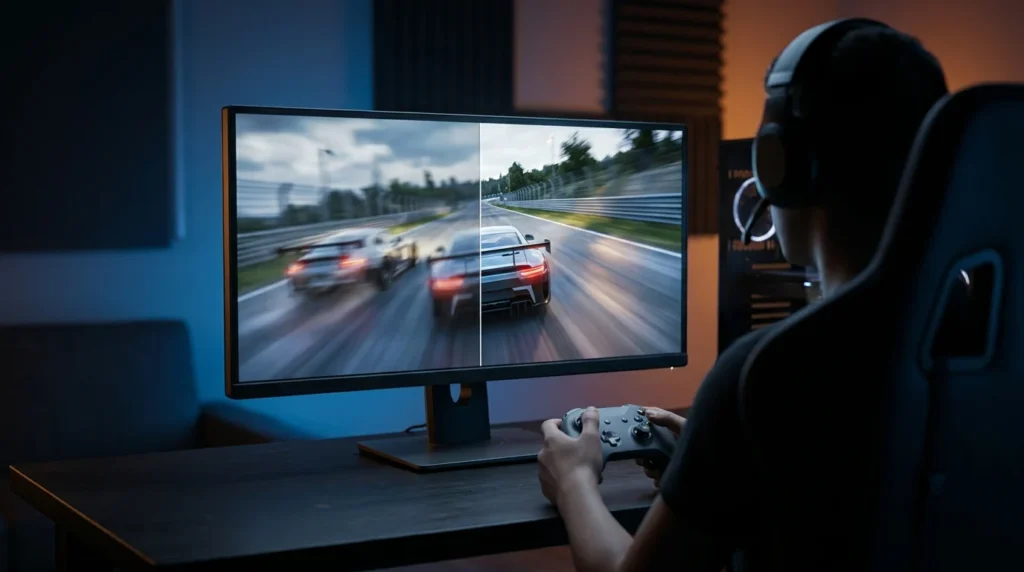

Cloud gaming lets you play demanding games without a console or a powerful PC. It is also called game streaming or gaming on demand.
How it works
The game does not run on your device. It runs on a server in a data centre, which sends you the image and sound like a video. Your device only shows that stream and sends your controls back to the server, where they are applied to the game.
What you need
- A fast, reliable internet connection with low latency
- A compatible device: a phone, tablet, TV, PC or streaming device
- A controller, in most games
Network congestion and data caps from some internet providers can make regular use difficult.
Pros and cons
- Pro: no need to buy expensive hardware or install games
- Pro: you can play on many different devices
- Con: latency, the delay between pressing a button and seeing the result, can hurt shooters and fighting games
- Con: everything depends on the quality of your connection
The main services
- Xbox Cloud Gaming
- GeForce Now
- PlayStation Plus
- Amazon Luna
A short history
OnLive launched in 2010 but was never profitable; Sony bought its assets in 2015 and shut it down. Sony had already bought Gaikai in 2012, which became the basis of PlayStation Now. Google launched Stadia in 2019, a service that no longer exists.
Frequently asked questions
Do I need a console for cloud gaming?
No. The game runs on a remote server, so a phone, tablet, TV or computer with a good connection is enough.
Why does cloud gaming feel laggy sometimes?
Because every action travels to the server and back; a slow or unstable connection increases that delay.
Which cloud gaming services exist?
The main ones include Xbox Cloud Gaming, GeForce Now, PlayStation Plus and Amazon Luna.
This article was written with AI assistance from the sources linked above.